

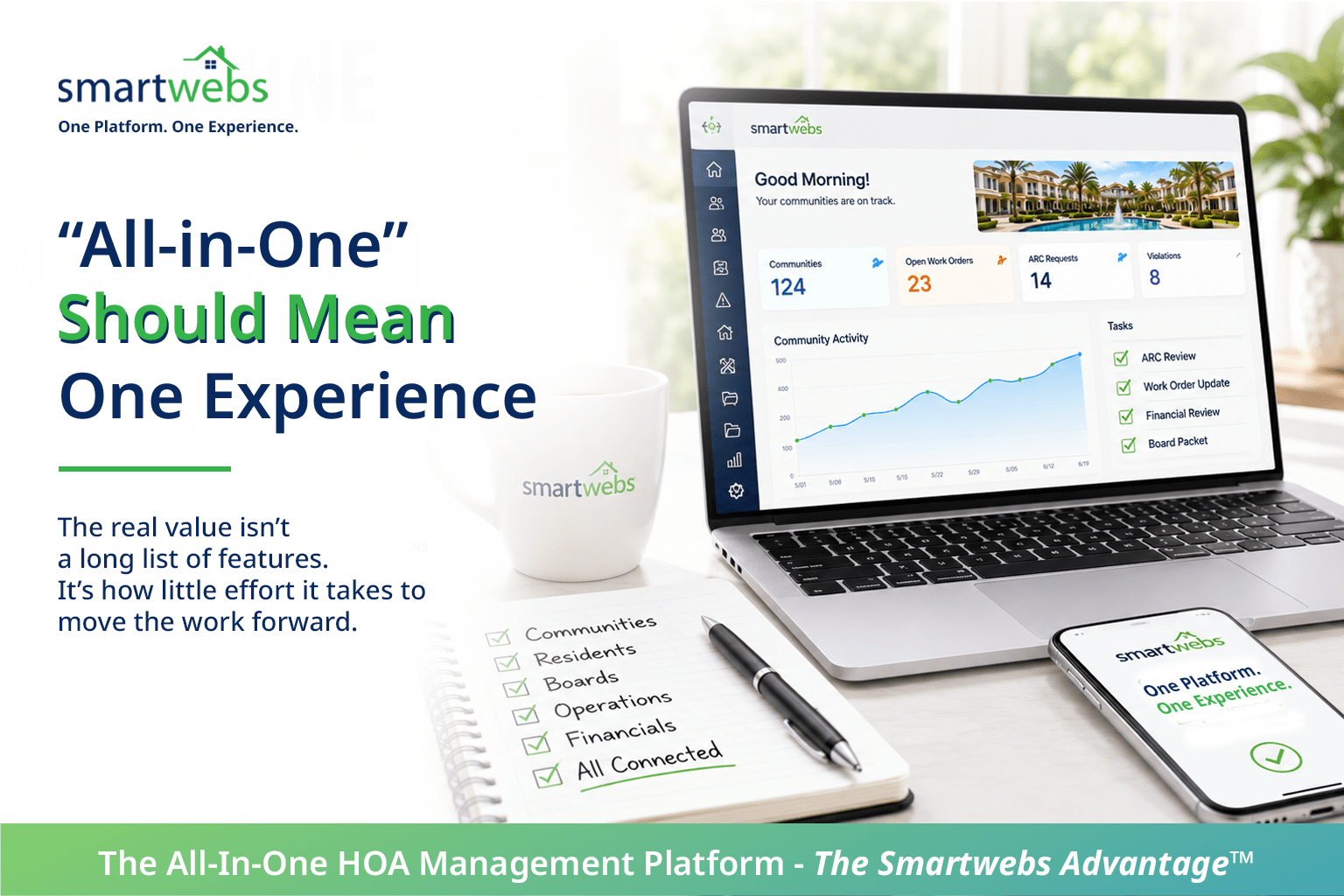
What Does “All-in-One” HOA Software Actually Mean?
What Does “All-in-One” HOA Software Actually Mean?
All-in-one HOA software is everywhere.
Nearly every platform promises more features, better integrations, and fewer systems to manage. On paper, many of them can look remarkably similar.
But there is a big difference between having everything on a feature list and having everything work together.
For community management companies, that difference can affect how much time employees spend switching systems, entering information twice, tracking down answers, and manually moving work forward.
So, when a software provider says “all-in-one,” what should you actually expect?
Does All-in-One Really Mean One Platform?
Not always.
Software providers build their platforms in different ways. Some capabilities may be native. Others may come from third-party integrations, partner products, or acquired technology.
Integrations aren’t necessarily a problem. In fact, the right integration can add significant value.
The real question is what happens to the workflow.
Does an employee have to leave one system to finish a task in another? Does information move automatically? Does someone have to enter the same data twice?
If your employees are responsible for connecting the systems, the technology may be integrated. However, the experience isn’t necessarily unified.
Look Beyond the Feature Checklist
Imagine two HOA software platforms.
Both list accounting, violations, ARC, communications, documents, reporting, and resident portals.
On a comparison sheet, they appear almost identical.
Now imagine completing an architectural request.
In one system, the request enters a connected workflow. Documents, communication, approvals, status updates, and records stay with the request.
In the other, employees move between applications, transfer information, send emails, and manually update the status.
Same features.
Very different experience.
That’s why evaluating all-in-one HOA software requires looking beyond what a platform has and examining how the work actually gets done.
Ask: How Does the Work Move?
Consider a community drive.
A manager identifies a violation and takes a photo.
What happens next?
Do they return to the office, find the property in another system, upload the image, enter the information, create the violation, and start the next step?
Or can the activity move directly into a workflow?
Now apply that question elsewhere.
What happens when an ARC request needs approval? When a resident asks a question? When a board member needs financial information? When leadership wants a portfolio-wide report?
The real value of all-in-one HOA software isn’t the number of features on a checklist. It’s how little effort it takes to move the work forward.
One Login Isn’t Necessarily One Experience
Single sign-on is convenient. But one login alone doesn’t create a unified platform.
Employees can still log in once and find themselves navigating several disconnected interfaces.
A unified experience should go further.
Accounting should connect with operations. Communications should connect with the activity they concern. Field work should connect with office workflows. Reporting should provide visibility across the organization.
The technology behind that experience may be complex.
Using it shouldn’t be.
AI Raises the Stakes
Artificial intelligence makes connected information even more important.
AI can help teams find information, analyze financial activity, identify patterns, streamline fieldwork, and support workflows.
However, AI needs context.
If important information is scattered across separate systems, spreadsheets, inboxes, and documents, AI may have only part of the picture.
Connected data gives AI more context to work with.
For example, financial information can have operational context. Field activity can connect with a workflow. Community information can be connected to historical records.
As a result, the conversation about all-in-one HOA software is becoming bigger than the conversation about software consolidation.
It’s also about creating the foundation for more useful intelligence.
What Should You Ask Before Choosing All-in-One HOA Software?
Don’t stop at, “Does your platform have this feature?”
Ask how it works.
Start with these questions:
- Which capabilities are native to the platform?
- Which capabilities depend on third-party integrations?
- Will our employees need to move between different interfaces?
- Does information flow automatically between workflows?
- Where will employees still need to enter information manually?
- Can financial and operational information work together?
- Can leadership report across the organization?
- Can AI work with information across the platform?
- What happens when one integrated product is updated or unavailable?
These questions reveal something a feature comparison often cannot:
What will it actually be like to use the software every day?
All-in-One Should Feel Like One Experience
Community management companies don’t need more software simply for the sake of having more technology.
They need technology that makes the work easier.
At Smartwebs, that means bringing accounting, ARC, violations, communications, documents, reporting, resident and board experiences, mobile workflows, automation, and AI into a connected environment.
The goal is simple: reduce the effort required to move from one part of the job to the next.
That’s what we mean by:
One Platform. One Unified Experience.
See What All-in-One Looks Like in Practice
The best way to evaluate an all-in-one platform isn’t by counting features.
See how the work moves.
See how information connects.
And see how much your team can accomplish without leaving the platform.
See how Smartwebs brings community management together in one connected experience.
Schedule a Smartwebs Walkthrough →
Frequently Asked Questions About All-in-One HOA Software
What is all-in-one HOA software?
All-in-one HOA software brings multiple community management functions into one technology environment. These can include accounting, violations, ARC, communications, resident and board portals, documents, reporting, work orders, mobile tools, and automation.
Is all-in-one HOA software the same as integrated HOA software?
Not necessarily. Integrated HOA software can connect separate applications or systems. An all-in-one platform may offer more capabilities in a single environment. Buyers should evaluate how information, workflows, and user experiences actually connect rather than relying on either label alone.
Are third-party integrations bad for HOA management software?
No. Third-party integrations can add valuable specialized capabilities. The important question is whether an integration creates extra work. Management companies should understand when employees need to switch systems, re-enter information, or manage separate workflows.
What should an HOA management company look for in an all-in-one platform?
Look beyond individual features. Evaluate how information moves between accounting, operations, communications, field activities, reporting, and resident services. Also consider the number of interfaces employees use, the potential for duplicate data entry, automation, reporting capabilities, and how well the platform scales.
Can all-in-one HOA software reduce manual work?
It can when workflows and information are genuinely connected. For example, a connected platform may reduce duplicate data entry, system switching, manual status updates, and the need to transfer information between departments or applications.
Why does connected HOA software matter for AI?
AI works best when it has relevant information and context. When financial, operational, community, and workflow information is connected, AI can potentially provide more useful analysis, insights, and workflow support than when information is fragmented across unrelated systems.
